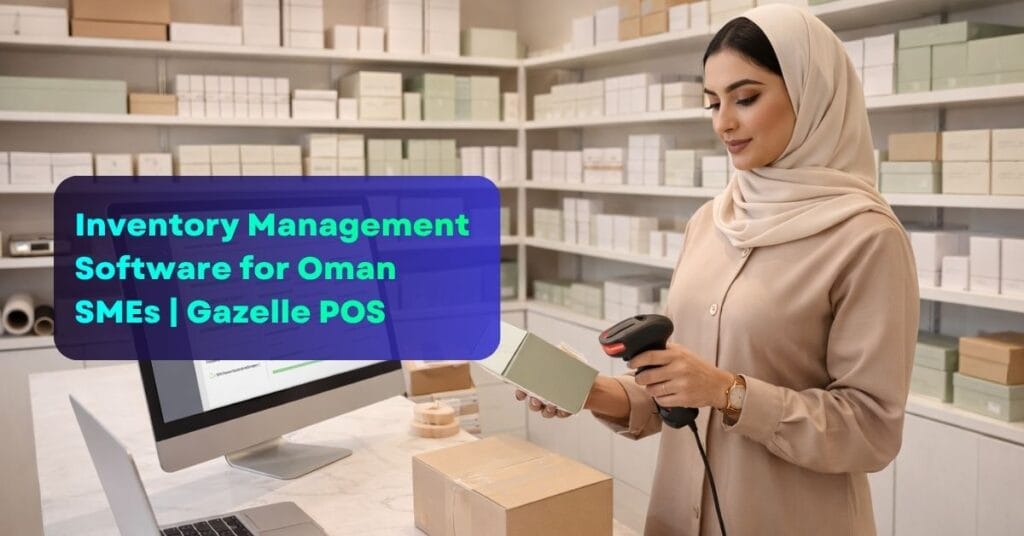
Inventory management software for Oman SMEs has become one of the most searched business tools in the country – and for good reason. Small and medium businesses across Muscat, Salalah, and Sohar are tired of discovering empty shelves mid-sale, writing off expired stock, and losing thousands of OMR every month due to preventable inventory errors.
If you run a retail shop, pharmacy, salon, or food business in Oman and still manage your stock manually, this article will show you exactly why that approach is costing you – and how Gazelle Business Solution POS fixes it for good.
40% – Stock errors reduced
3x – Faster stock audits
OMR 0 – Surprise stockouts
Why inventory management software matters for Oman SMEs
Oman’s SME sector contributes significantly to the national economy, with thousands of small businesses operating across retail, hospitality, beauty, and food services. Yet the majority of these businesses still rely on manual stock tracking – a practice that leads to costly and entirely avoidable problems.
According to industry data, businesses without proper inventory management software lose between 5% and 10% of annual revenue to stock-related issues such as overstocking, understocking, theft, and expiry write-offs.
For a small business in Oman turning over OMR 100,000 a year, that is up to OMR 10,000 lost annually – money that could have been reinvested into growing the business.
Common inventory problems faced by Oman SMEs – and how Gazelle solves them
Problem: Running out of stock mid-sale
Staff discover products are empty only when a customer asks for them, causing embarrassment and lost revenue.
Gazelle fix: Automatic low-stock alerts
Set minimum stock levels per product. Gazelle alerts you instantly when inventory drops below your threshold – before it becomes a problem.
Problem: Overstocking and cash tied up
Buying too much of slow-moving products freezes cash flow and leads to expiry losses for perishable goods.
Gazelle fix: Sales velocity reports
See exactly how fast each product moves. Order smarter quantities based on real data, not guesswork.
Problem: No visibility across branches
Multi-location SMEs in Oman have no central view of which branch has excess stock and which one is running low.
Gazelle fix: Multi-branch stock dashboard
Monitor inventory across all your Oman locations in real time from a single unified dashboard.
Problem: Manual stock counts waste hours
Weekly stock audits take entire afternoons, pulling staff away from serving customers and generating revenue.
Gazelle fix: Barcode-based instant audit
Scan products with a barcode reader and Gazelle updates counts instantly – a full audit done in minutes, not hours.
Key inventory management software features in Gazelle POS for Oman SMEs
Real-time stock tracking
Every sale, return, and restock updates inventory counts instantly across all locations – no manual entry needed.
Supplier & purchase orders
Create and send purchase orders to your Oman suppliers directly from the system. Track delivery status and update stock on arrival.
Stock movement history
See a complete audit trail of every stock movement – what came in, what went out, who handled it, and when.
Expiry date tracking
Critical for pharmacies and food businesses in Oman. Get alerts before products expire so you can sell or remove them in time.
Category & variant management
Organise thousands of SKUs by category, size, colour, or variant. Find any product instantly with smart search and filters.
Automated reorder triggers
Set reorder points per product and let Gazelle automatically flag or generate restock requests when levels fall too low.
Which Oman SMEs benefit most from Gazelle inventory management software?
Gazelle’s inventory management tools are used across a wide range of small and medium businesses operating in Oman:
- Retail shops
- Pharmacies
- Supermarkets
- Salons & spas
- Restaurants
- Electronics stores
How to set up inventory management on Gazelle POS in Oman
1. Import your product catalogue
Upload your existing product list via CSV or add items manually with barcodes, categories, cost price, selling price, and opening stock quantities in OMR.
2. Set stock alert thresholds
Define minimum stock levels for each product. Gazelle will send instant alerts when any item approaches or crosses your reorder point.
3. Add your suppliers
Enter your Oman-based or GCC supplier details so you can raise and track purchase orders directly within the platform.
4. Go live – stock updates automatically
Once active, every sale through the POS deducts stock in real time. Returns add it back. You always know exactly what you have.
For further reading on inventory best practices for small businesses, visit the SME Development Authority Oman – the official government resource supporting SME growth across the Sultanate.
Inventory management software for Oman SMEs – what to look for
When choosing inventory management software for your Oman SME, prioritise these criteria:
- Real-time sync across all branches and devices
- VAT-compatible stock valuation and reporting for Oman Tax Authority compliance
- Arabic and English language interface for your team
- OMR currency support with accurate cost and margin calculations
- Cloud-based access so you can monitor stock from anywhere in Oman
- Simple enough for non-technical staff to operate without training delays
Gazelle Business Solution meets every one of these requirements – making it the most practical inventory management software choice for Oman SMEs today.
Stop losing money to stock errors – try Gazelle POS today
Join Oman SMEs already saving time and revenue with smarter inventory management software.